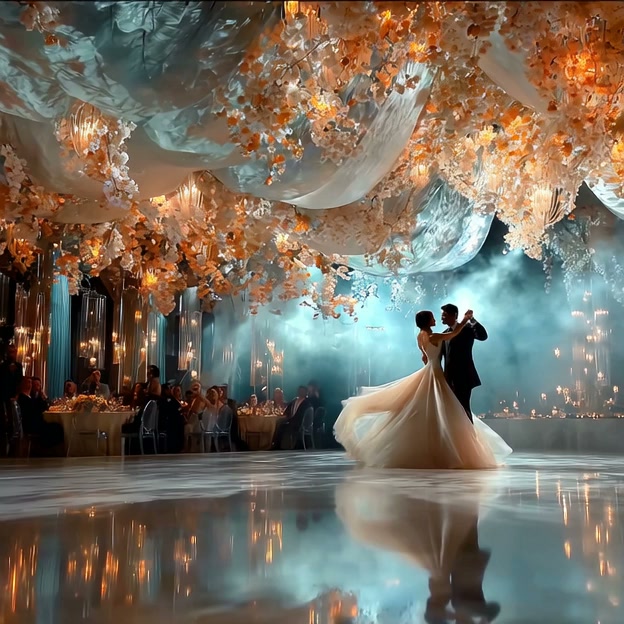

Video to Video AI Generator for Fast Visual Style Transformation
Turn any clip into a new cinematic, anime, cartoon, or realistic style while keeping motion and scene flow natural.
Create a new look from your existing clip with video to video technology. Upload a short video, enter your style idea, click generate, and download a fresh result ready for TikTok, YouTube Shorts, Instagram Reels, ads, presentations, and creative projects. This video to video ai helps you turn video into another video style without complex editing. Use the ai video to video generator to preserve subject motion, timing, background structure, and key scene details while transforming ordinary footage into cinematic, anime, cartoon, realistic, or creative visuals. It is a simple video to video editor for creators who want fast, clean, share-ready output.
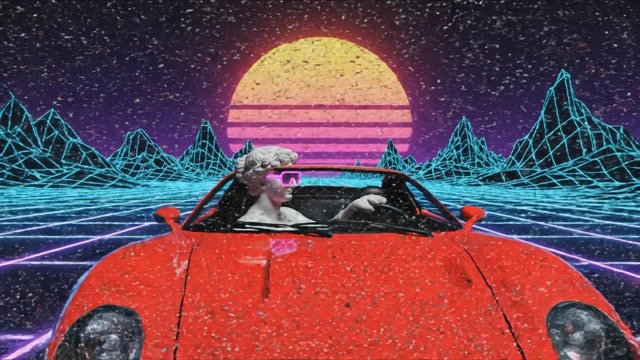
How to Use Video to Video in Four Simple Steps
The process is fixed and easy: Upload video - Enter Your Ideas - Click generate - Download. You bring the clip and the idea. The ai video to video generator handles the transformation, so your result can be ready for posting, testing, pitching, or inspiration.

Upload video
Upload video from your device and let the video to video workflow read the subject, movement, timing, and scene structure. You can start with a product clip, travel shot, dance video, selfie clip, pet video, tutorial moment, or short social post. The video to video ai focuses on preserving what matters: the main subject, visual flow, and original action.

Enter Your Ideas
Enter Your Ideas to describe the new look you want. You can ask the ai video to video generator to convert video to cinematic video, change a casual clip into anime style, create cartoon motion, make a realistic makeover, or try ai video style transfer for a cleaner branded result. Keep the prompt simple: choose the visual style, mood, background, lighting, and final use.

Click generate
Click generate and the video to video editor transforms your uploaded clip into the style you requested. The system is designed for fast video to video transformation, so you do not need manual masking, frame-by-frame retouching, timeline editing, or advanced design skills. It helps keep movement natural while applying a new visual direction.

Download
Download your finished video to video result and use it for sharing, ads, social posts, creative references, presentations, or personal projects. The output is made for people who need a new visual style quickly without rebuilding the whole clip. This makes video to video ai useful for creators, marketers, students, editors, and small teams.
Video to Video Features Built for Real Content Needs
This video to video page is not about generic editing. It focuses on one clear job: converting uploaded videos into new visual styles with AI while preserving motion and scene meaning. The video to video ai is useful when you already have a clip but need a different mood, format, or creative direction.
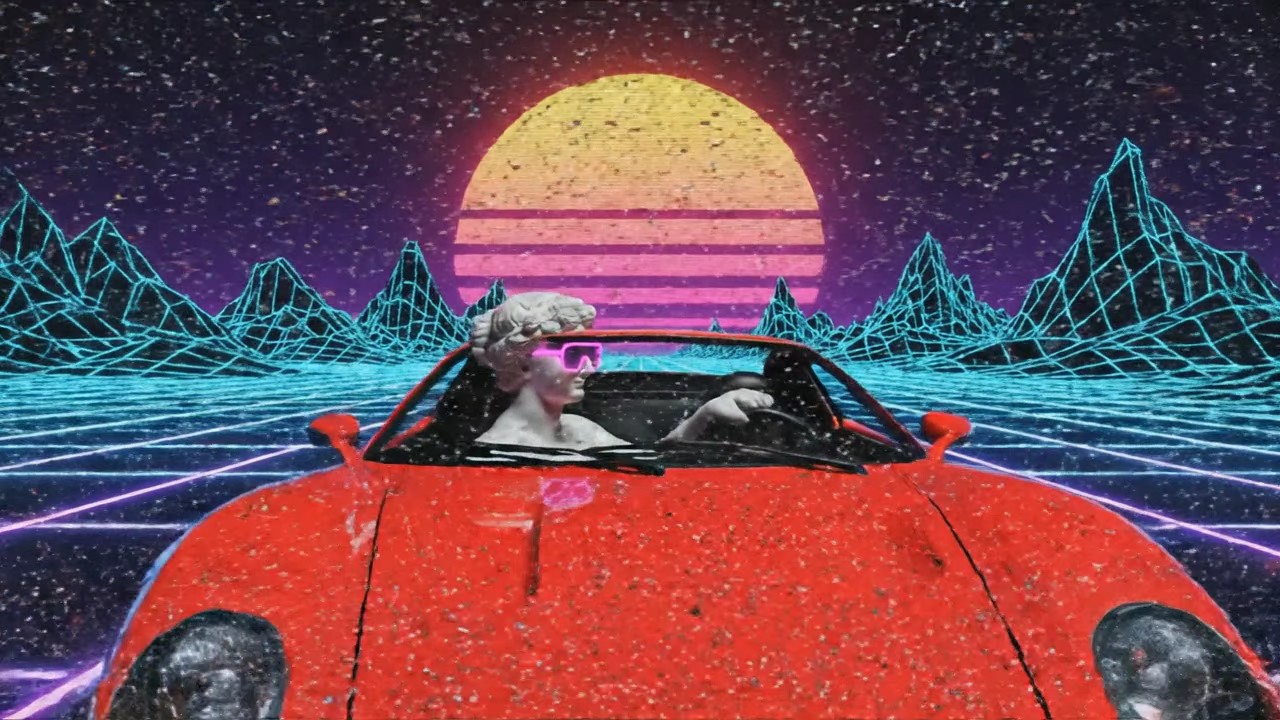
Turn Any Video into a New Visual Style Fast
- Fast visual transformation: Use video to video to turn a normal clip into a cinematic, anime, cartoon, realistic, or creative style in minutes.
- Built for short-form speed: The video to video ai workflow is ideal for TikTok, YouTube Shorts, Instagram Reels, ad concepts, creator tests, and social variations.
- No timeline editing: The ai video to video generator helps you skip manual color grading, masking, keyframing, and heavy post-production.
- Clear creative direction: Enter a prompt like convert video to cinematic video, real video to anime style, or turn video into another video style and get a focused result.
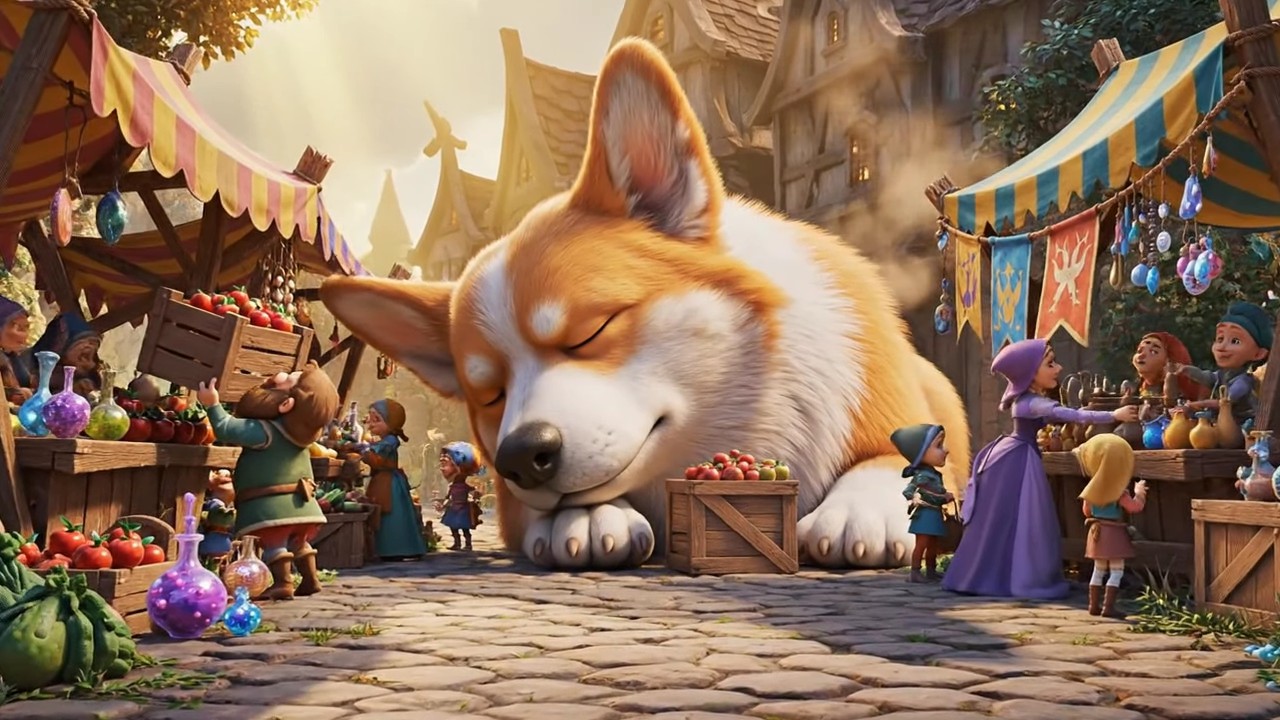
Preserve Motion, Subject, and Key Scene Details Naturally
- Subject consistency: The video to video editor is designed to keep the main person, object, pet, product, or scene recognizable after transformation.
- Natural movement: Good video to video transformation should not make the result feel broken or disconnected from the source clip.
- Scene flow control: The video to video ai reads action, direction, timing, and camera movement so the converted clip can still feel like the original moment.
- Useful for many styles: Try anime video to realistic video, cartoon video to real video, or video background style changer ideas while keeping core structure stable.
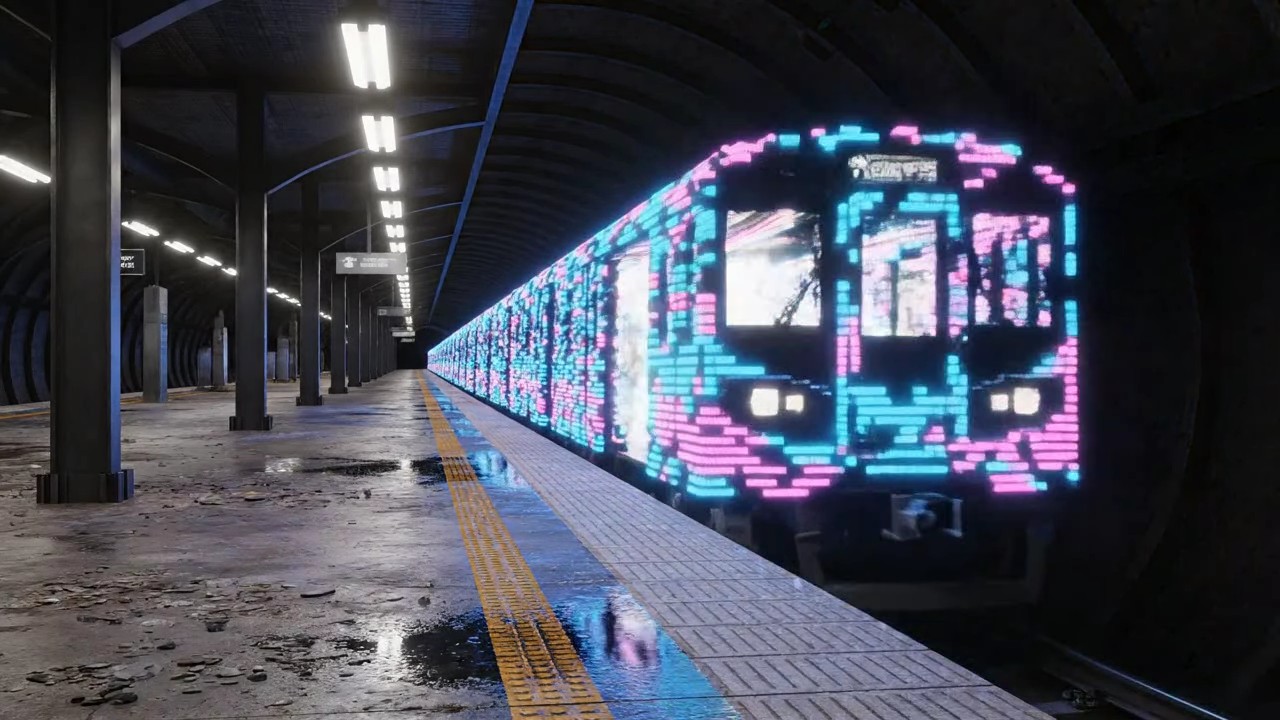
Create Better-Looking Videos Without Editing Skills
- Beginner-friendly workflow: This video to video ai online free experience is simple enough for users who have no editing background.
- Prompt-based control: Instead of adjusting layers, masks, effects, and color tools, you tell the ai video to video generator what style you want.
- Less production pressure: The video to video editor helps solo creators, small businesses, and students produce fresh looks without hiring a designer or learning complex software.
- Faster creative testing: Make multiple visual directions from one clip and compare which video to video result works best for your audience.
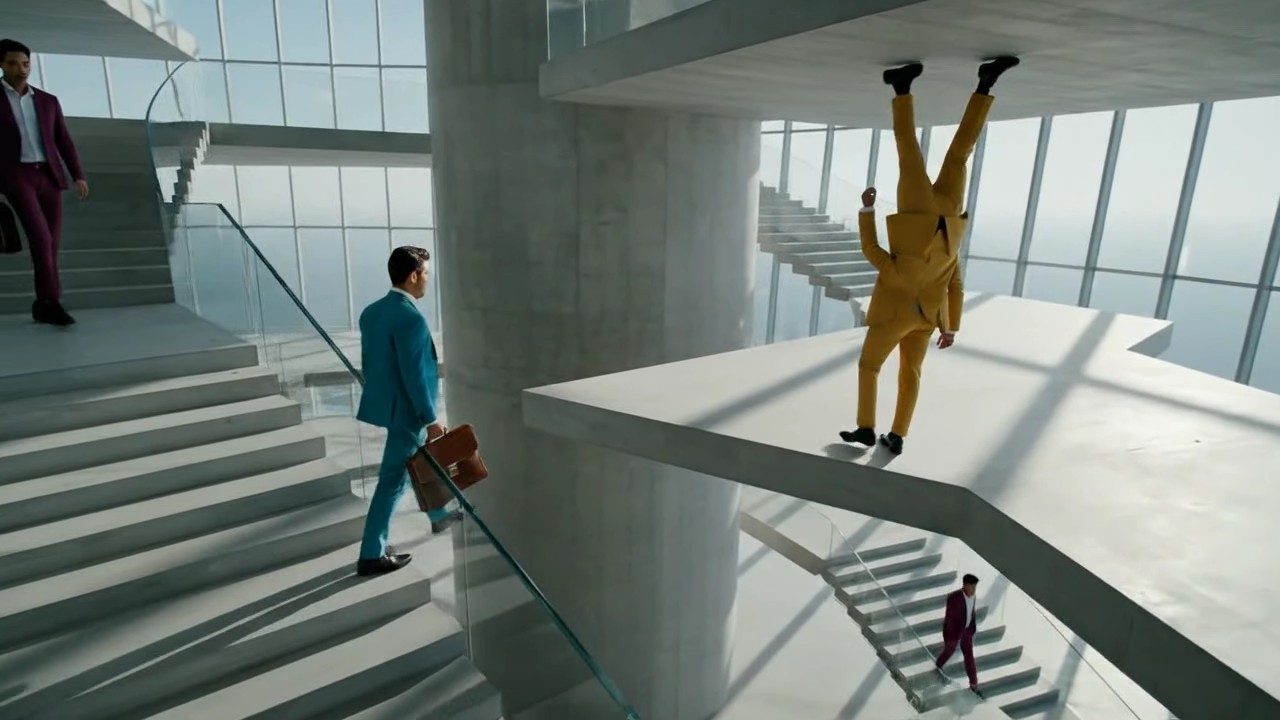
Download-Ready Videos for Sharing, Ads, and Creative Use
- Social-ready output: Use video to video ai for social media when you want a clip that looks more polished, stylized, and easier to post.
- Ad concept support: Video to video ai for ads helps marketing teams test new visual angles before committing to full production.
- Creator workflow: Video to video ai for creators gives you more style options from existing footage, helping one clip become several content ideas.
- Clean final use: The ai video to video generator supports creative references, presentations, personal edits, short videos, and content creation without rebuilding the scene.
Why Choose This Video to Video AI?
Choose this video to video tool when you need a clearer style, faster conversion, and a simpler workflow. It is made for people who want better-looking videos without complex editing software.

For Social Media Creators
Creators often need more than one version of the same clip. With video to video, one recorded moment can become a cinematic hook, anime-style short, realistic makeover, cartoon concept, or branded social post. This video to video ai helps creators test different looks without filming again. It is useful for TikTok, YouTube Shorts, Instagram Reels, profile content, fan edits, travel clips, fitness videos, fashion videos, food clips, and lifestyle posts. Video to video ai for content creation gives creators a faster way to reuse existing footage while keeping the movement and subject connected to the original scene.
For Ads and Marketing Tests
Marketing teams often need many visual ideas before choosing one direction. The ai video to video generator helps turn one product or brand clip into several creative options. You can convert video to cinematic video for a premium feel, use cartoon video to real video for a more grounded version, test real video to anime style for playful campaigns, or create a new background mood for seasonal ads. Video to video ai for ads helps teams move faster when testing hooks, visual angles, audience reactions, and social-first creative concepts.

For Personal Creative Projects
Personal projects often start with simple clips: a pet video, dance moment, travel shot, selfie clip, sports action, school project, or casual scene. A video to video editor lets you turn that footage into a more interesting result without advanced tools. You can try ai video style transfer, change the background mood, transform a normal clip into a stylized story, or create a reference for a larger creative idea. This video to video ai makes the process feel light, fast, and beginner-friendly while still giving you a result that is easier to share.
For Teams That Need Faster Visual Production
Small teams, educators, agencies, and online sellers often do not have enough time for full post-production. Video to video ai helps them turn existing clips into new visual directions quickly. Instead of starting from zero, teams can upload a clip, enter the desired style, click generate, and download a share-ready version. This video to video transformation is helpful for presentations, course materials, short ads, social content, campaign previews, and creative references. It reduces the need for manual retouching while keeping the subject, motion, and structure easier to understand.
Real Users Use Video to Video for Faster Creative Results
Creators, marketers, students, photographers, and small teams use video to video when they need a new look from existing footage. The main value is simple: faster style conversion, clearer output, and less manual editing.
I used the video to video ai to turn a simple street clip into a cinematic short for my channel. The motion stayed natural, and I did not need to touch a timeline. For quick content tests, this ai video to video generator saves me a lot of time.
I used the video to video ai to turn a simple street clip into a cinematic short for my channel. The motion stayed natural, and I did not need to touch a timeline. For quick content tests, this ai video to video generator saves me a lot of time.
Our team needed fast ad variations from one product clip. The video to video editor helped us create a cleaner cinematic version and a more playful social version. It is useful when you need visual options before a campaign deadline.
Our team needed fast ad variations from one product clip. The video to video editor helped us create a cleaner cinematic version and a more playful social version. It is useful when you need visual options before a campaign deadline.
I like that video to video does not feel complicated. I uploaded a short travel clip, entered the style idea, clicked generate, and downloaded a version that looked much more polished for Instagram Reels.
I like that video to video does not feel complicated. I uploaded a short travel clip, entered the style idea, clicked generate, and downloaded a version that looked much more polished for Instagram Reels.
As a small business owner, I do not have time to learn heavy editing software. This video to video ai gives me a practical way to make product clips look more creative and ready for posting.
As a small business owner, I do not have time to learn heavy editing software. This video to video ai gives me a practical way to make product clips look more creative and ready for posting.
I used the ai video to video generator for a class presentation and turned a normal clip into a stylized reference. The result made my project easier to explain and more interesting to watch.
I used the ai video to video generator for a class presentation and turned a normal clip into a stylized reference. The result made my project easier to explain and more interesting to watch.





Video to Video FAQ
Quick answers for users who want to understand how video to video ai works before starting.
Video to video means using AI to transform an existing video into a new visual style while keeping the subject, movement, timing, and scene flow close to the original clip.
Upload your clip, enter your style idea, click generate, and download the result. This video to video generator online makes the process simple for beginners and fast for creators.
Yes. You can use video to video ai for cinematic, anime, cartoon, realistic, and creative looks. You can also try real video to anime style, anime video to realistic video, or cartoon video to real video.
You can upload short clips, social videos, product shots, travel clips, selfie videos, pet videos, action footage, creative references, and simple scene videos for video to video transformation.
Yes. Video to video ai for social media, ads, and creative projects is useful because it helps create new visual versions without filming again or using complex editing tools.
Yes. After generation, you can download your finished video and use it for sharing, posting, presentations, ad tests, creator content, and personal projects.
Start Your Video to Video Transformation Now
Turn one clip into a new style fast with video to video ai. Keep motion natural, make the visual style clearer, and download a share-ready result for social media, ads, presentations, creative projects, and personal content. Start now with the ai video to video generator and create a better-looking video without manual editing.